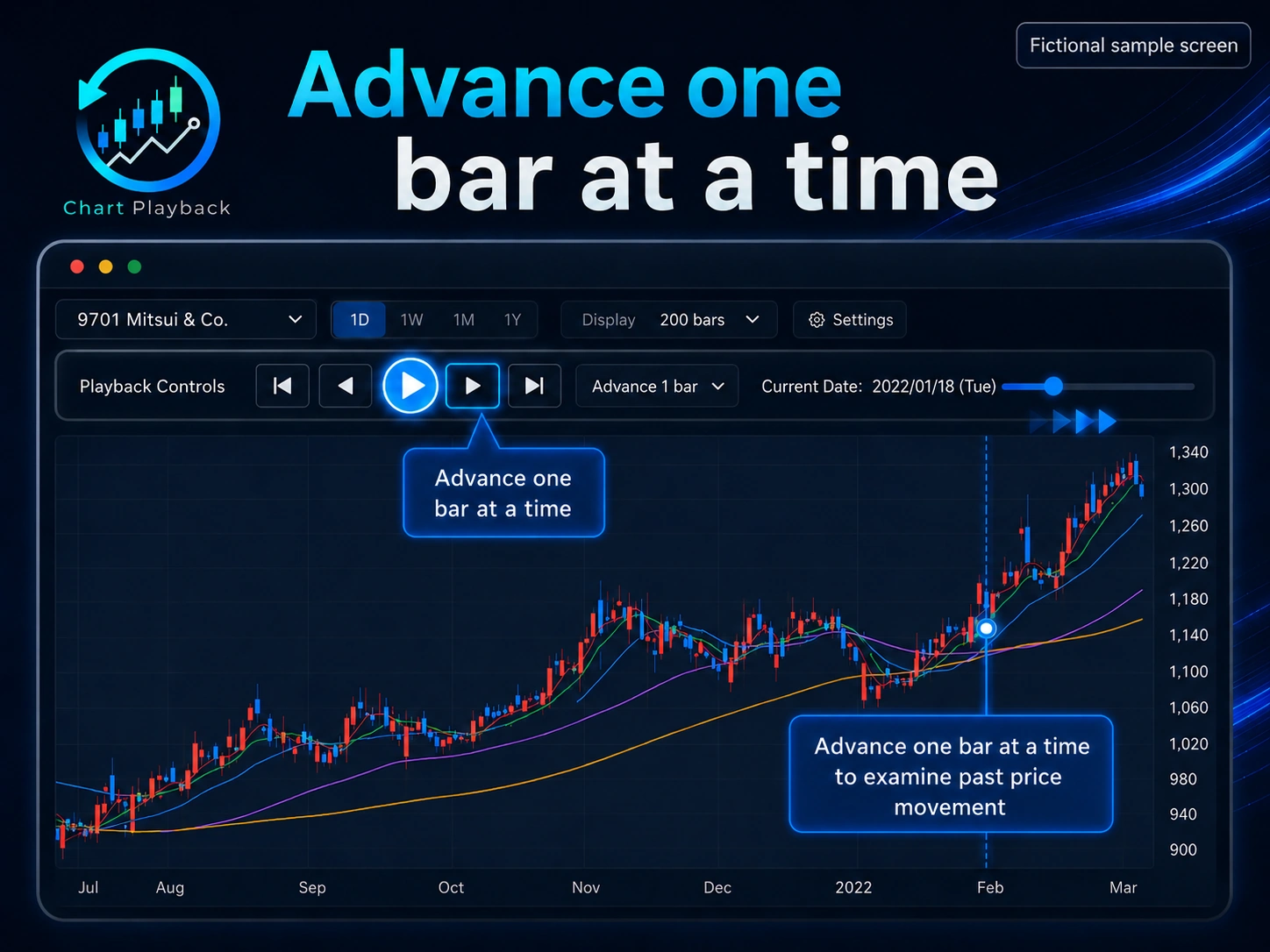
One-bar replay
Move through a historical chart gradually and practice making a decision with the information available at that point.
A web app for chart practice
Before making decisions in real trades, practice your own buy, sell, and stay-out decisions on historical charts one bar at a time. Review the reasoning behind each choice and what you would revisit next.
You can try the main features without signing in, using fictional sample instruments.
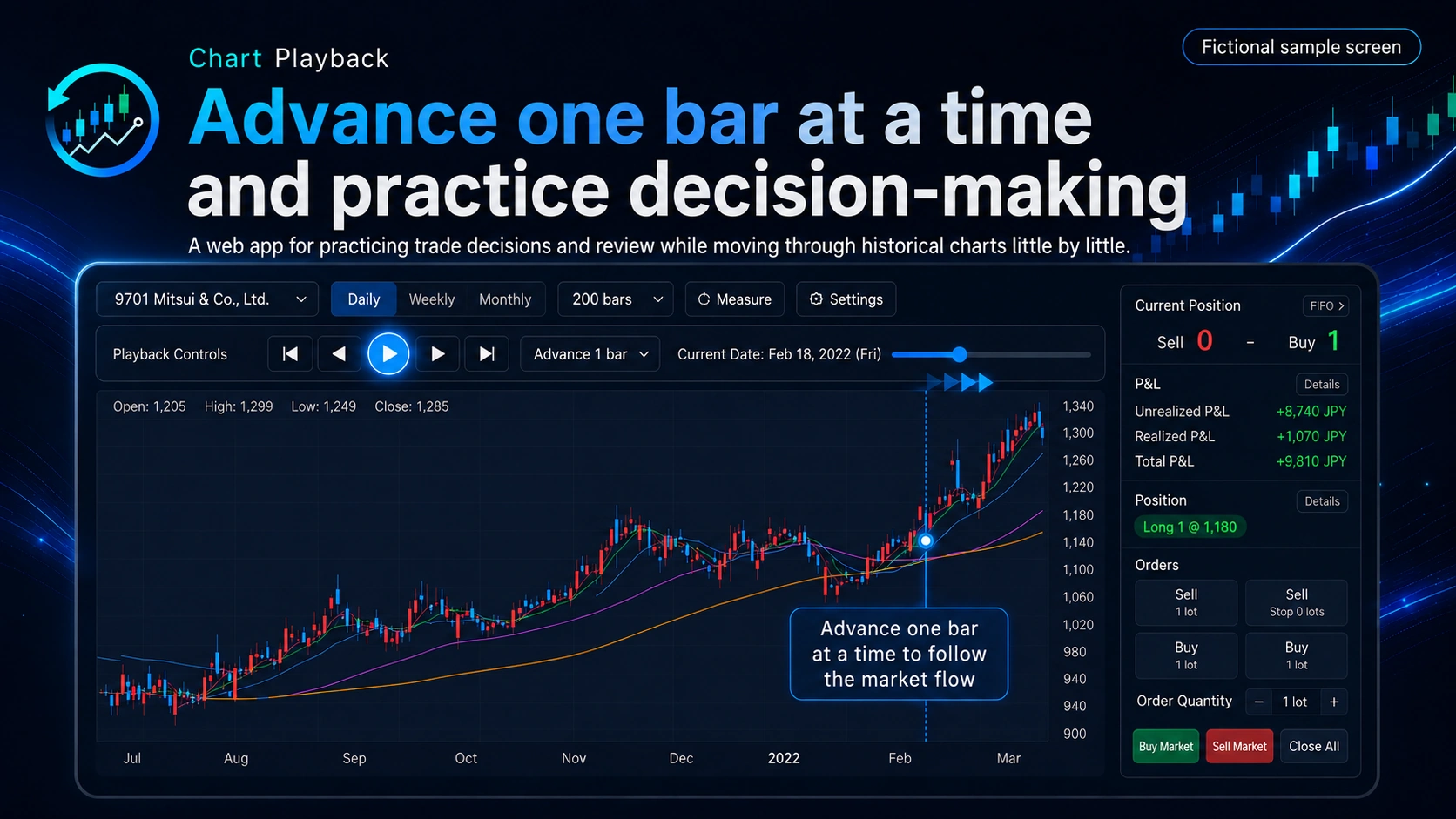
What is Chart Playback?
Learning to read charts and trading rules is different from making your own decisions as prices unfold. Chart Playback lets you replay historical charts one bar at a time without seeing what happens next. Practice deciding whether to buy, sell, or stay out as preparation for making your own decisions in actual trading.
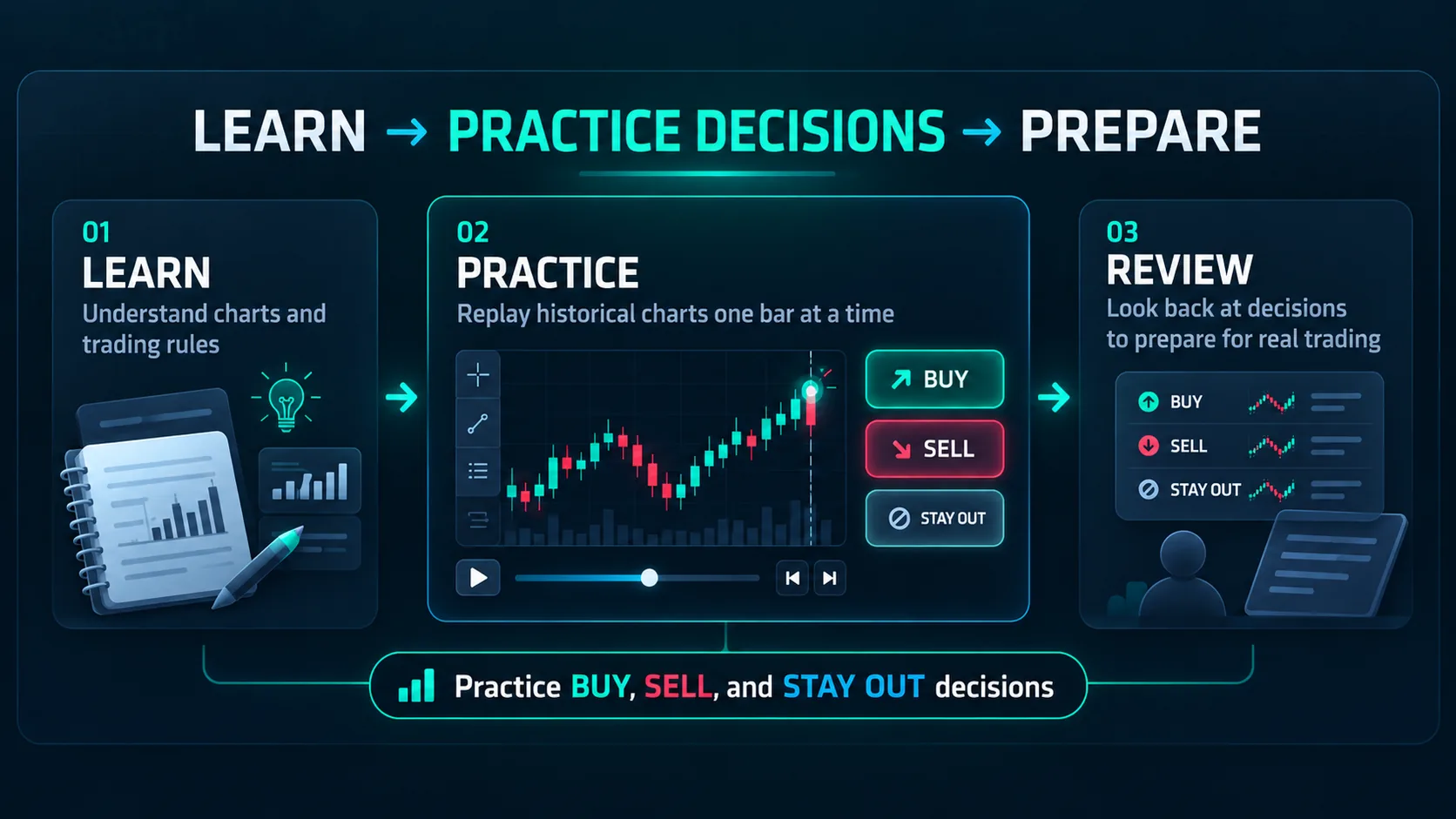
Why practice?
Look back at decisions and chart annotations to identify where you hesitated and what informed each choice. Test those observations in another practice session as you prepare to make independent decisions in actual trading. Practice does not guarantee trading results.
Start with a fictional sample instrument in the guest demo.
Consider buying, selling, or staying out based on the chart shown.
Reveal the next movement and repeat the decision-making process.
Look back at practice trades and notes or drawings on the chart.
What you can do
Practice both buy-first and sell-first trades, including closing positions. Advance historical charts one bar at a time, consider staying out as well, and review orders, positions, profit and loss, and trade logs afterward.
Move through a historical chart gradually and practice making a decision with the information available at that point.
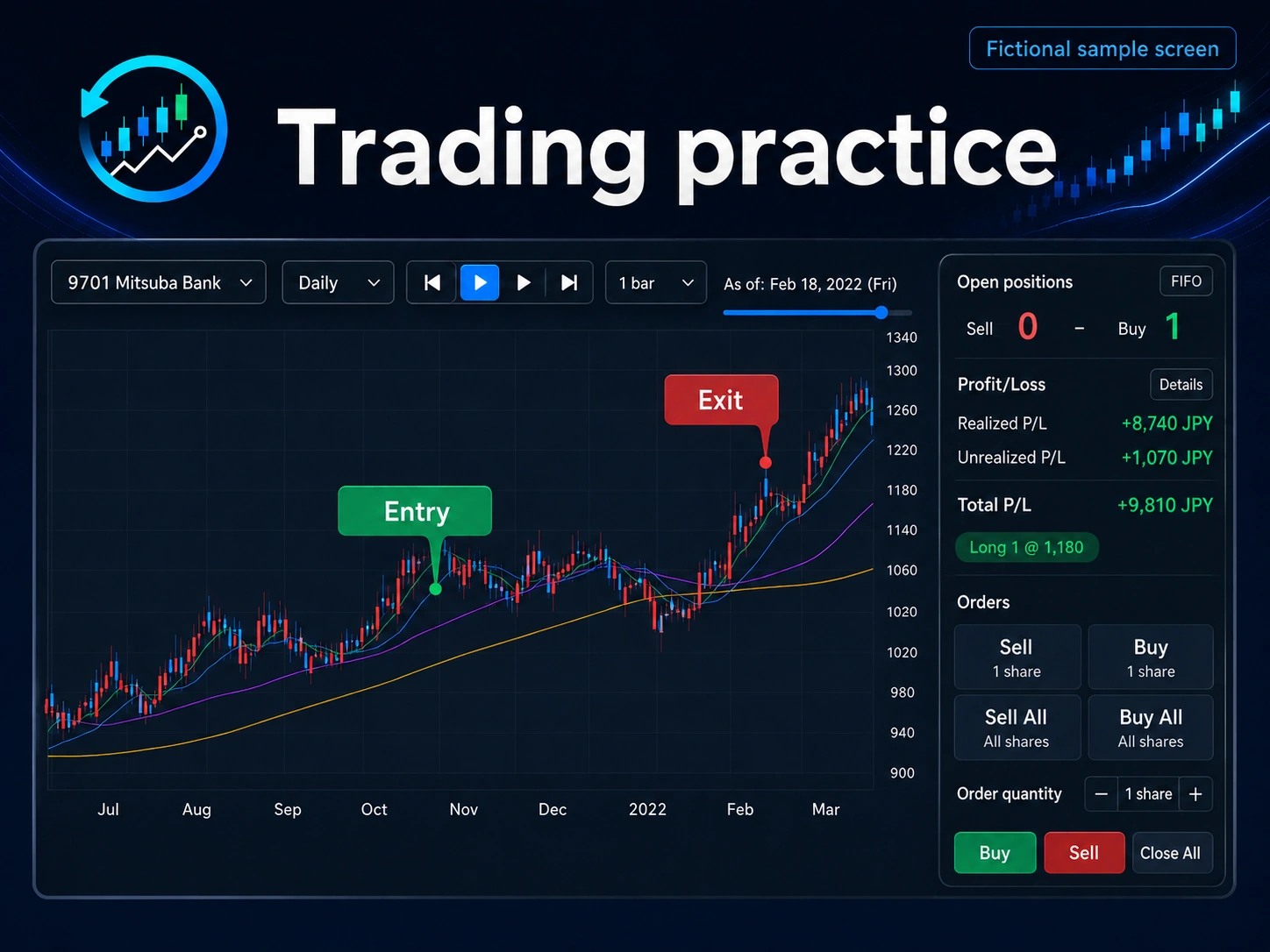
Practice buy-first and sell-first trades, including opening and closing positions, and review profit and loss in one place.
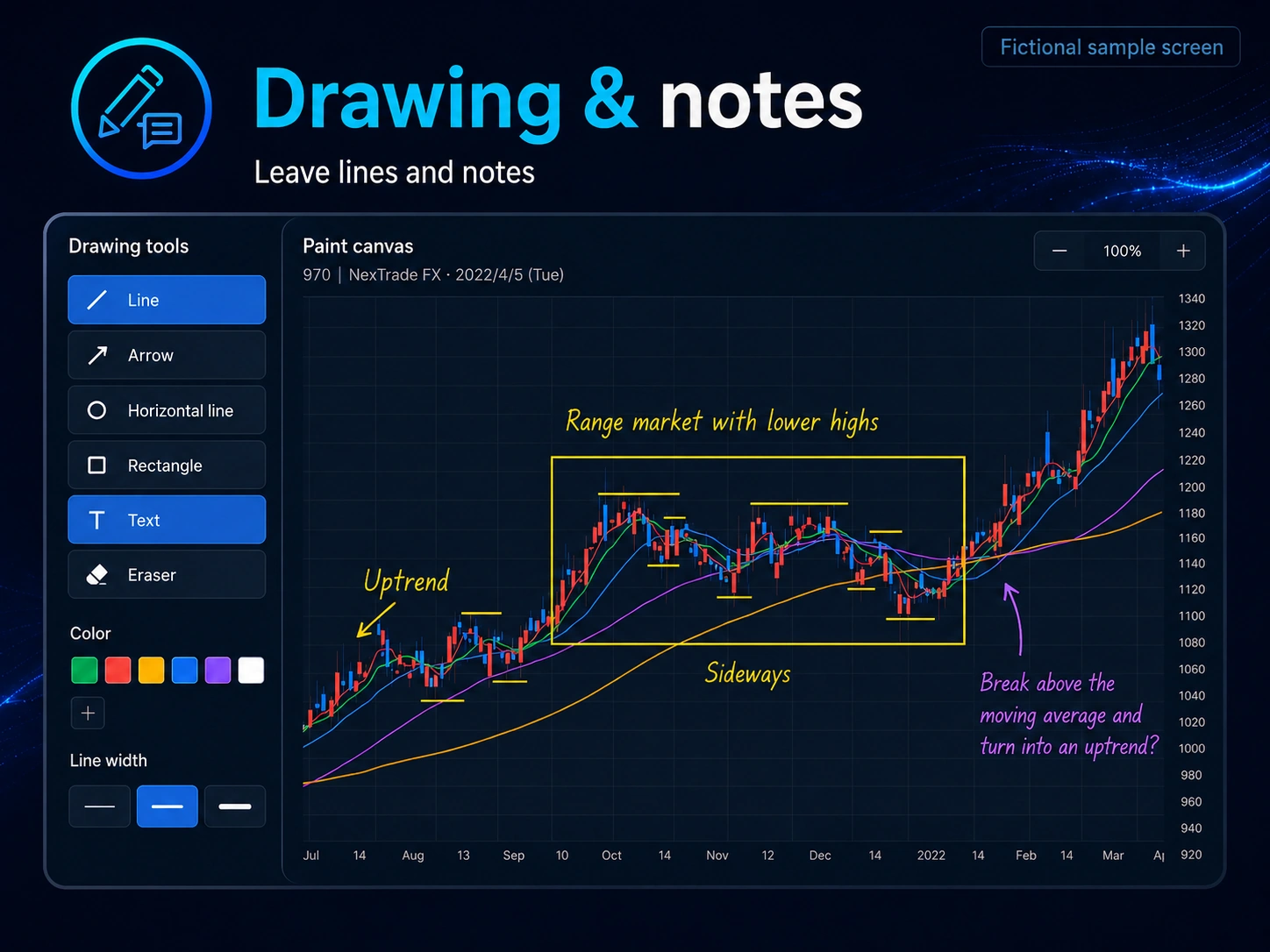
Leave lines and notes on a chart, then review how you were reading it later.
Guest demo
The guest demo lets you practice without signing in using fictional sample instruments. All instrument names and price data shown in the guest demo are fictional samples, not real companies, securities, or market data.
Try the fictional sample instruments